

Create an Account
The creation process registers a new Agni organization and sets up your initial administrator account.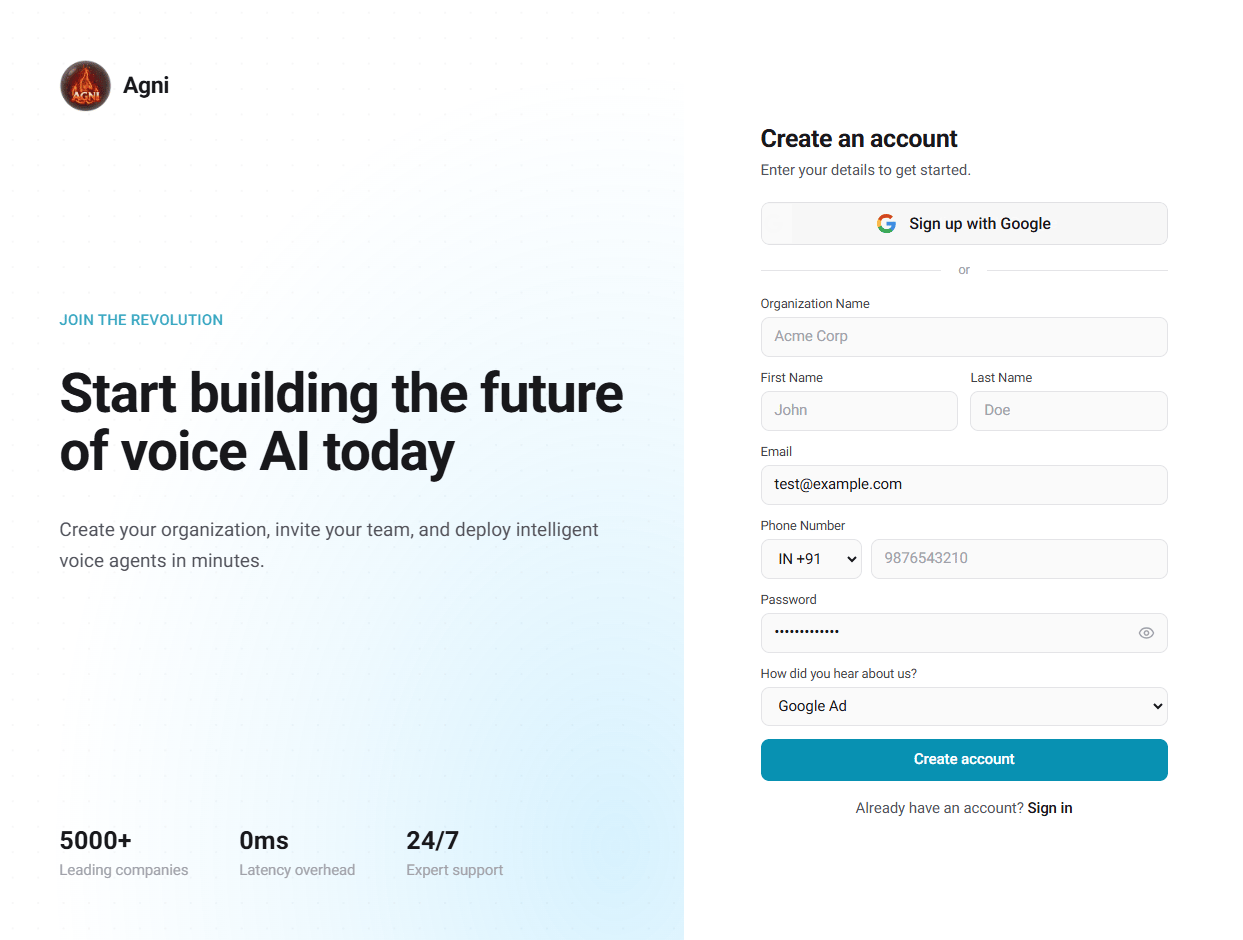
Registration Steps
Navigate to Sign Up
Open the Agni Web App and click Create an account.
Choose Authentication Method
You can securely click Sign up with Google for single sign-on (which bypasses manual email verification), or proceed with a standard email registration.
Enter Organization, Personal & Contact Details
If using email, provide your Organization Name, First Name, Last Name, and Phone Number with the correct country code. Your organization acts as the top-level container for your agents, phone numbers, and billing. Know more about organizations.
Set Credentials
Enter a valid work Email, a secure Password (minimum 8 characters), and select how you heard about Agni, then click Create account.
Verify Your Email
If you registered via email, you will be redirected to the verification screen. Check your inbox for an email from Agni AI.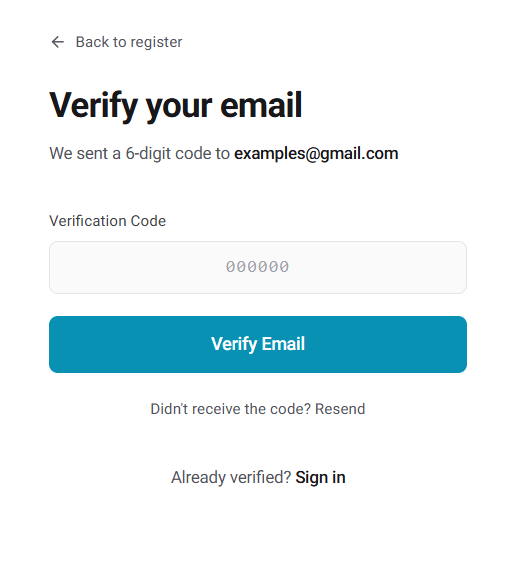
Verification codes are only valid for 10 minutes. If your code expires or you do not receive the email, click Didn’t receive the code? Resend on the verification screen.
Complete Registration
Once verified, you will be routed directly to your new workspace dashboard.
If your email is already registered to an existing workspace, Agni will prompt you to sign in instead.
Log In
Access your existing Agni workspace to manage agents, configure telephony, and retrieve your API keys.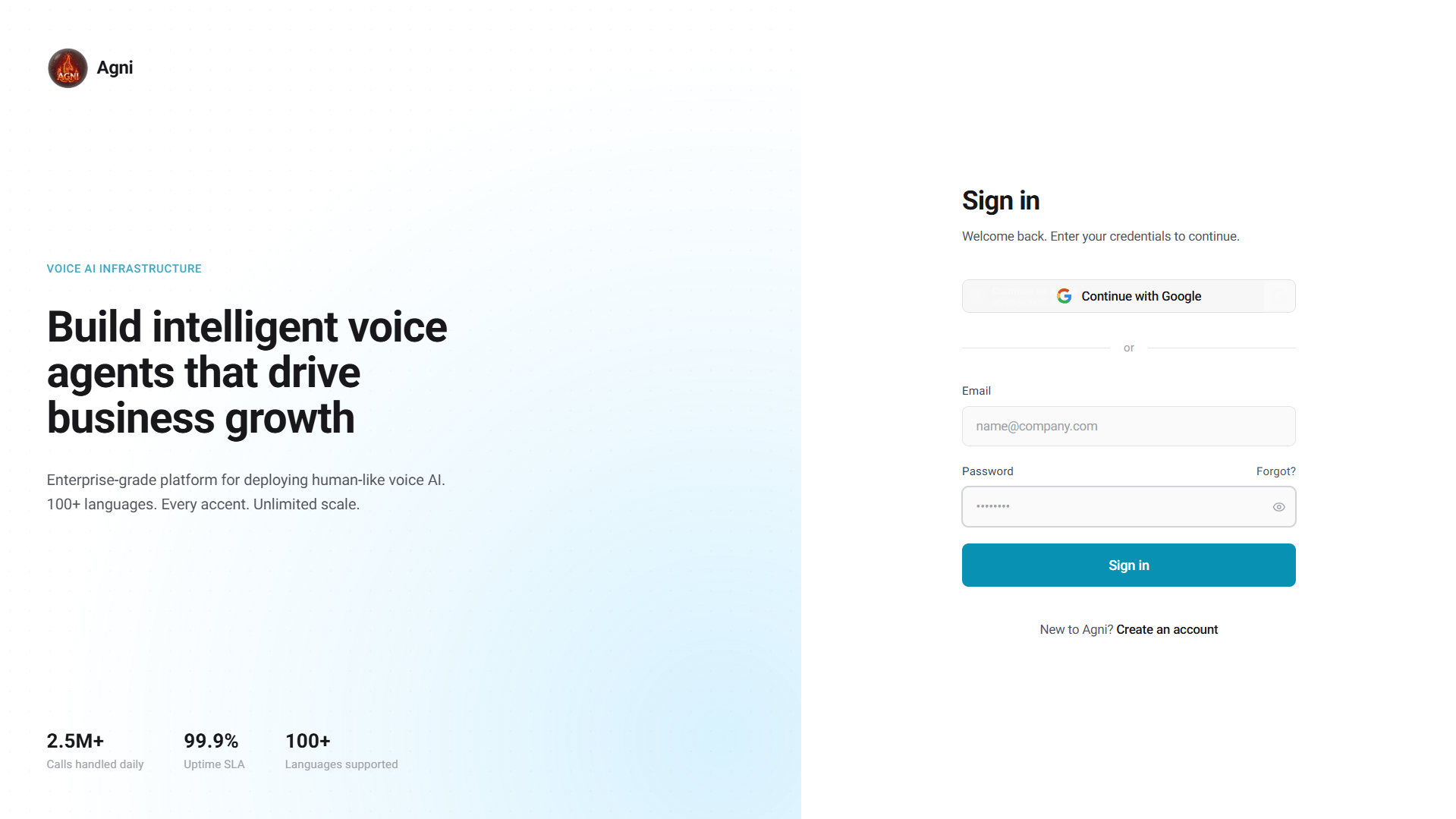
Sign In Steps
Navigate to Login
Open the Agni Login Page.
Authenticate
Click Continue with Google if your account is linked to Google Workspace, or enter your registered Email and Password.
Access Workspace
Click Sign in to access your dashboard.
If you lose access to your account, use the Forgot? link above the password field to initiate a secure password reset workflow.
Generate an API Key
To interact with Agni programmatically, you need an API key. Here’s how to create one:Open Settings
Click your profile in the bottom-left corner of the dashboard, then select Settings.
Navigate to API Keys
In the Settings menu, click the API Keys tab under Security & Access.
Create a New Key
Click + New Key. Your API key will be generated and displayed once. Copy it immediately.
Store it Securely
Save the key in a secure location (e.g., environment variable, secrets manager). You will not be able to view it again after closing the dialog.
Using Your API Key
Pass the key in theX-Api-Key header with every API request: